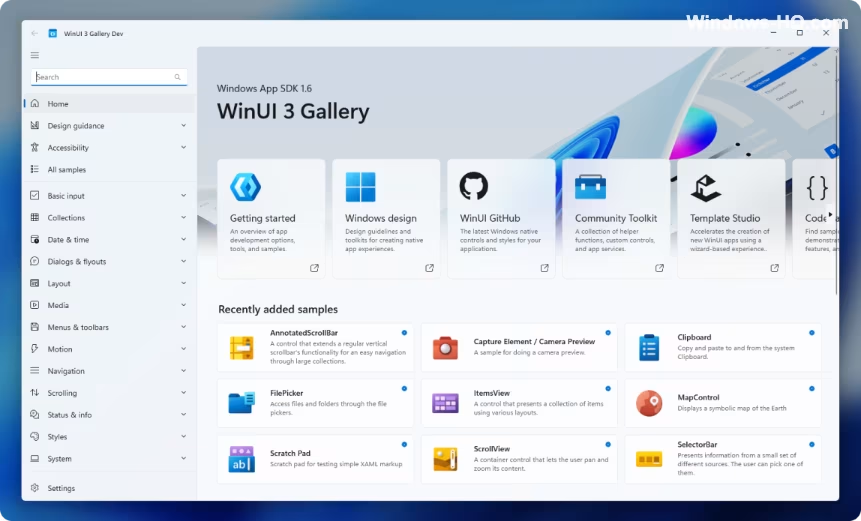
Microsoft is testing a new Print Management application built using WinUI 3 as part of its larger effort to modernize older components of Windows 11. This new app aims to move printer administration away from the traditional, legacy Microsoft Management Console (MMC) snap-in. Instead, it transforms the functionality into a standalone Windows app that appears as a top-level entry in the All apps list, giving it a more integrated feel compared to an administrative console.
The app is currently available only within Germanium-based Beta and Experimental Windows Insider builds, coexisting with the existing Print Management tool. While Microsoft has not announced it as a full replacement, its existence signals an early push to align printer administration with the overall design direction of Windows 11.
A notable limitation observed is that users must manually right-click the app and select “Run as administrator” to use it properly. Although the executable requires administrative rights, the package manifest does not seem to allow automatic elevation, resulting in an experience described as an unfinished bridge between old and new Windows.
The consistency of the new tool is also incomplete; some dialogs utilize updated interfaces while others retain older legacy windows.
This development fits into a wider trend of Microsoft refreshing dated parts of the operating system. A Windows team member confirmed that even the file properties dialog in File Explorer has been rebuilt using WinUI 3, and the company plans to extend this approach across more of the Windows UI.
Another team member noted that Microsoft is systematically working through older dialogs, including the completion of the file copy dialog and the common file dialog, all rewritten in WinUI 3. The Autoplay dialog modernization is also underway. Windows chief Pavan Davuluri confirmed that Autoplay will be among the areas reaching Windows Insider Preview Experimental builds.
Microsoft has focused on strengthening WinUI 3 fundamentals, extending it into more of the Windows shell to encompass Widgets and the new Run experience. Telemetry data showed that the rebuilt Run dialog loads faster than its older Windows 95-era counterpart.
The new Print Management app suggests a broader objective: addressing deeper, less visually appealing parts of Windows that still utilize decades-old design language. This tackles an ongoing consistency problem where modern Fluent Design pages are situated near older Win32, Control Panel, and MMC-era interfaces.
For IT administrators and power users, the Print Management tool remains useful for managing key functions such as printer queues, drivers, ports, and shared printers in business environments. Functionally, most of the original features—including access to printers, drivers, ports, and related management options—appear to still be present.
For now, the app should be viewed as an early Insider feature subject to change, removal, or delay alongside its MMC-based version. However, its introduction aligns with Microsoft’s stated efforts regarding WinUI 3, File/Folder Properties, Autoplay, and the general move toward a more cohesive and polished Windows 11 experience over time.