 FlickrSyncr · Android app
Back up every photo and video to Flickr, automatically.
FlickrSyncr watches the folders you choose and sends each new shot to your Flickr account in the background, at full resolution. Nothing to tap after setup, even with the app closed.
- Free
- Android 7.0 and later
- iPhone version in development
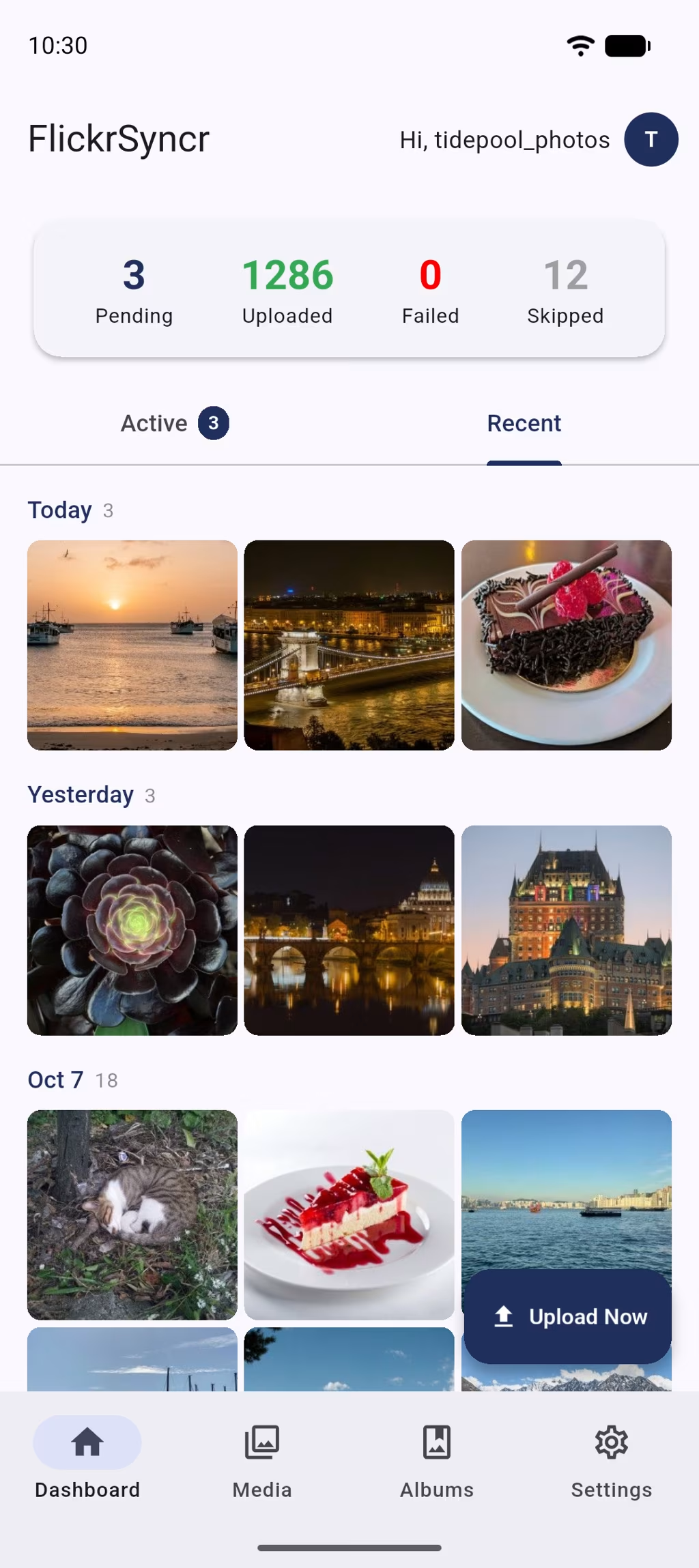
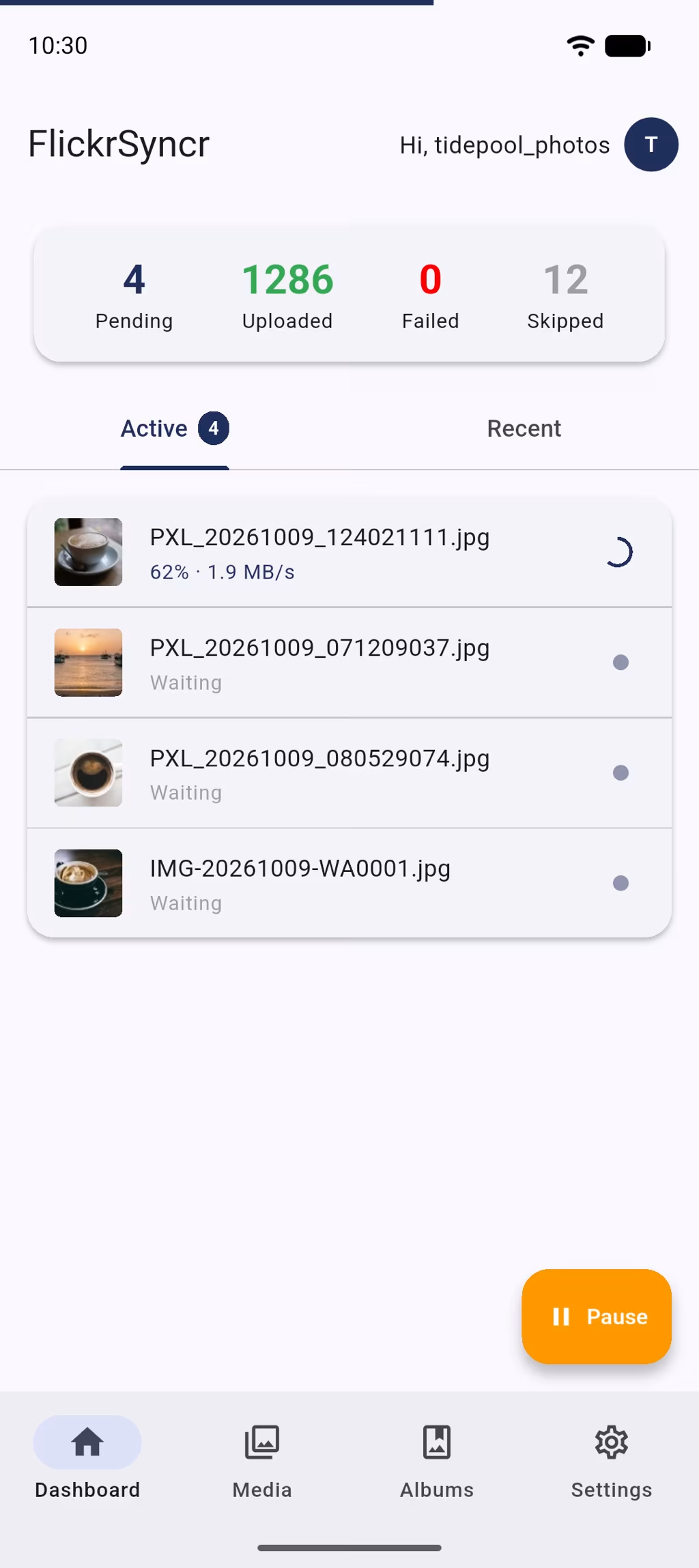
- Picked up in seconds. New shots are queued the moment they land in a watched folder.
- Full resolution. Photos go up as the original files, EXIF included.
- Never uploads twice. Content fingerprints skip what’s already on Flickr, even after a reinstall.
- Free. No subscription, no pro tier, no upsell.
How it works
Set it up once, and every new shot goes to Flickr
A three-step setup on first launch. After that, FlickrSyncr takes care of it.
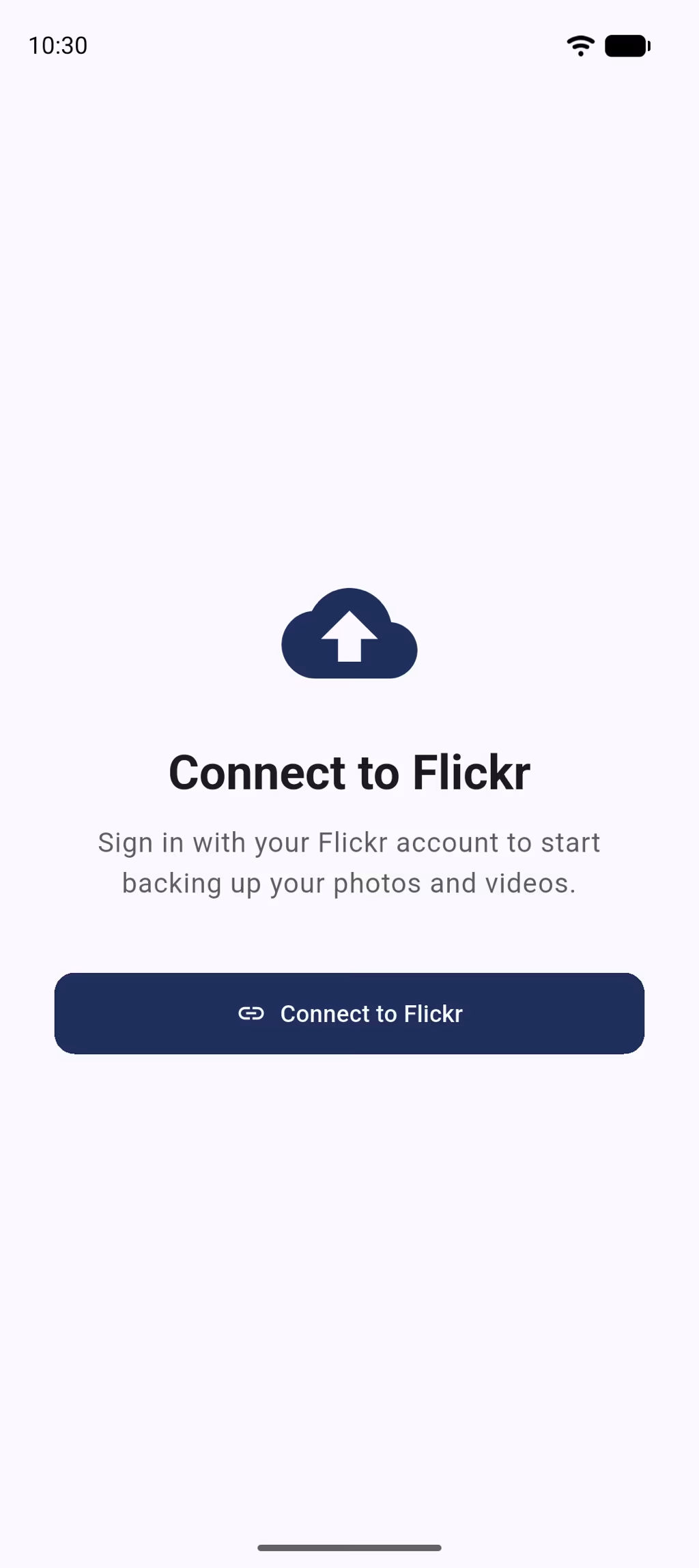
Connect your Flickr account
Sign in on Flickr’s own page. FlickrSyncr never sees your password.
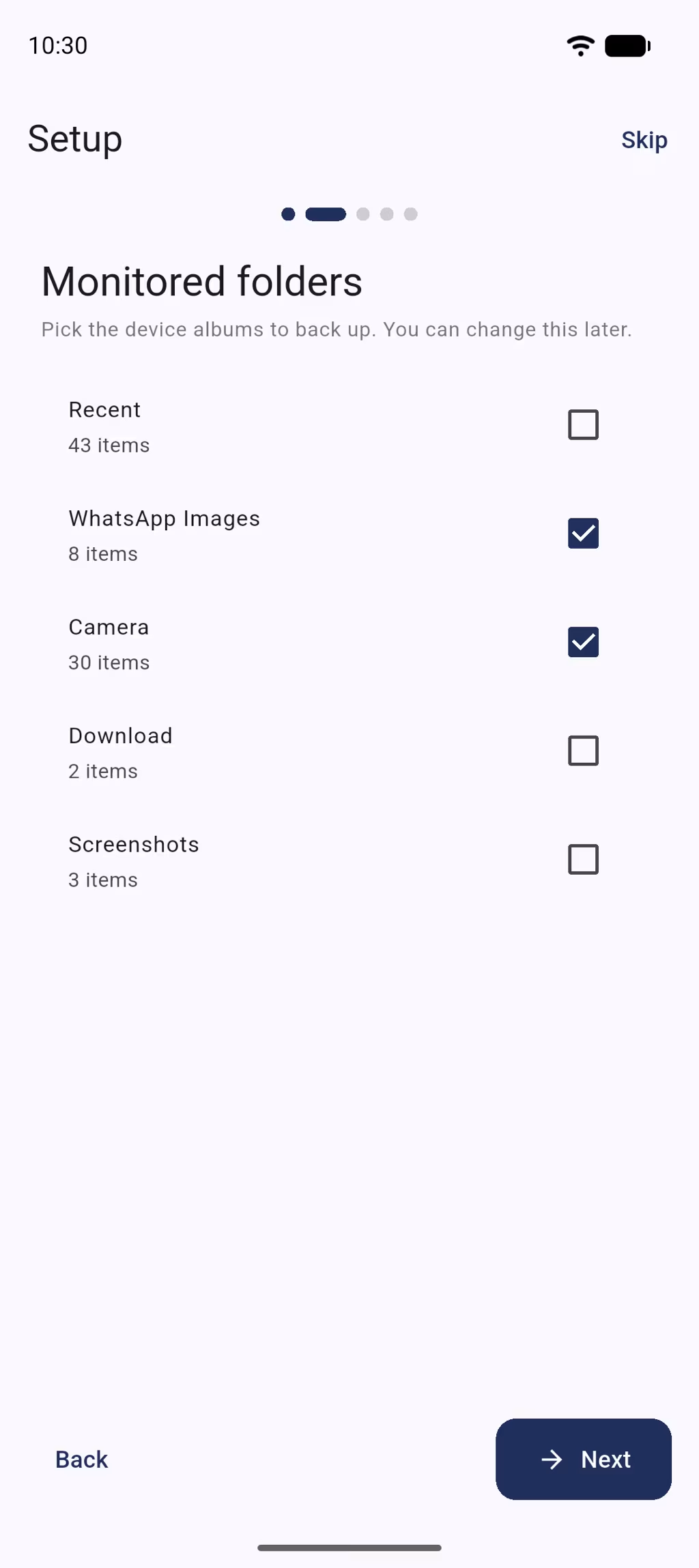
Pick folders and an album
Camera, Screenshots, WhatsApp or any other folder, plus a default Flickr album for new uploads.
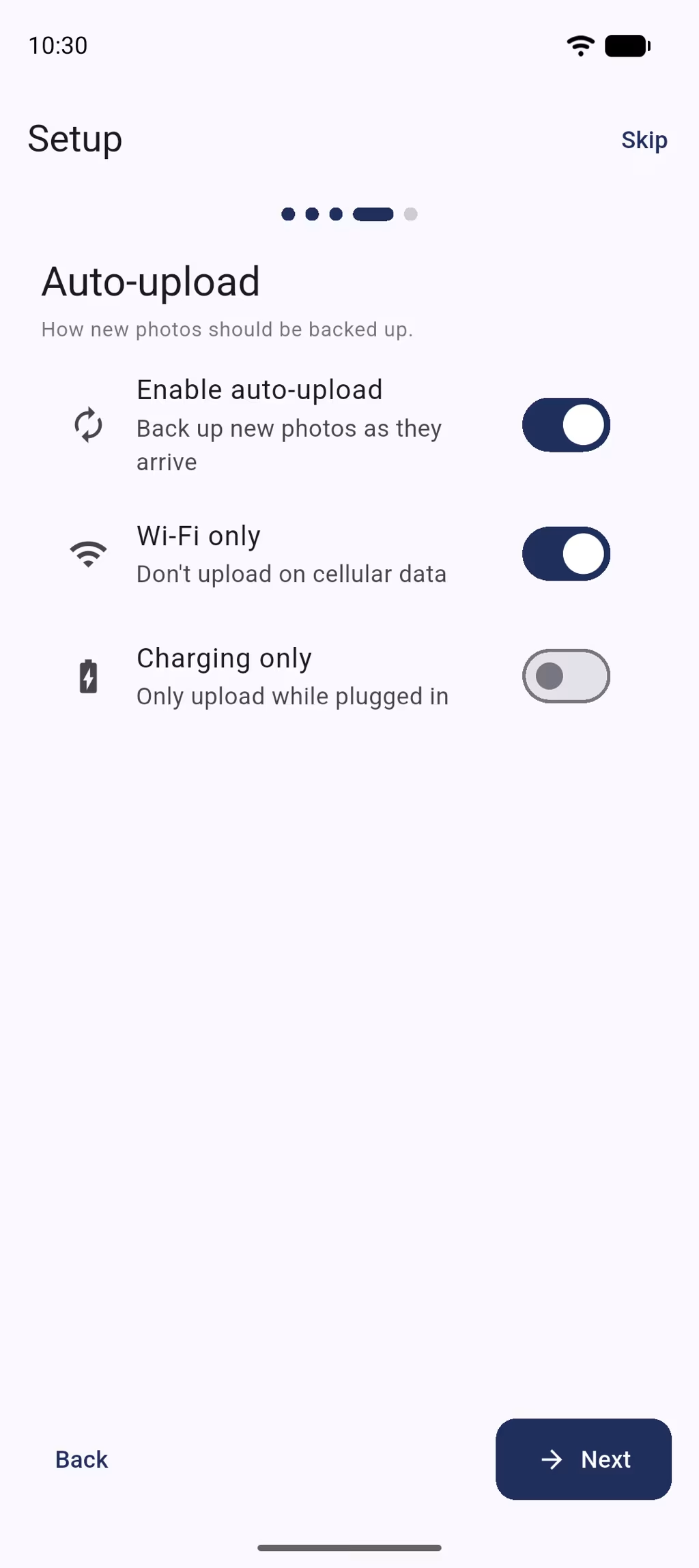
Turn on auto-upload
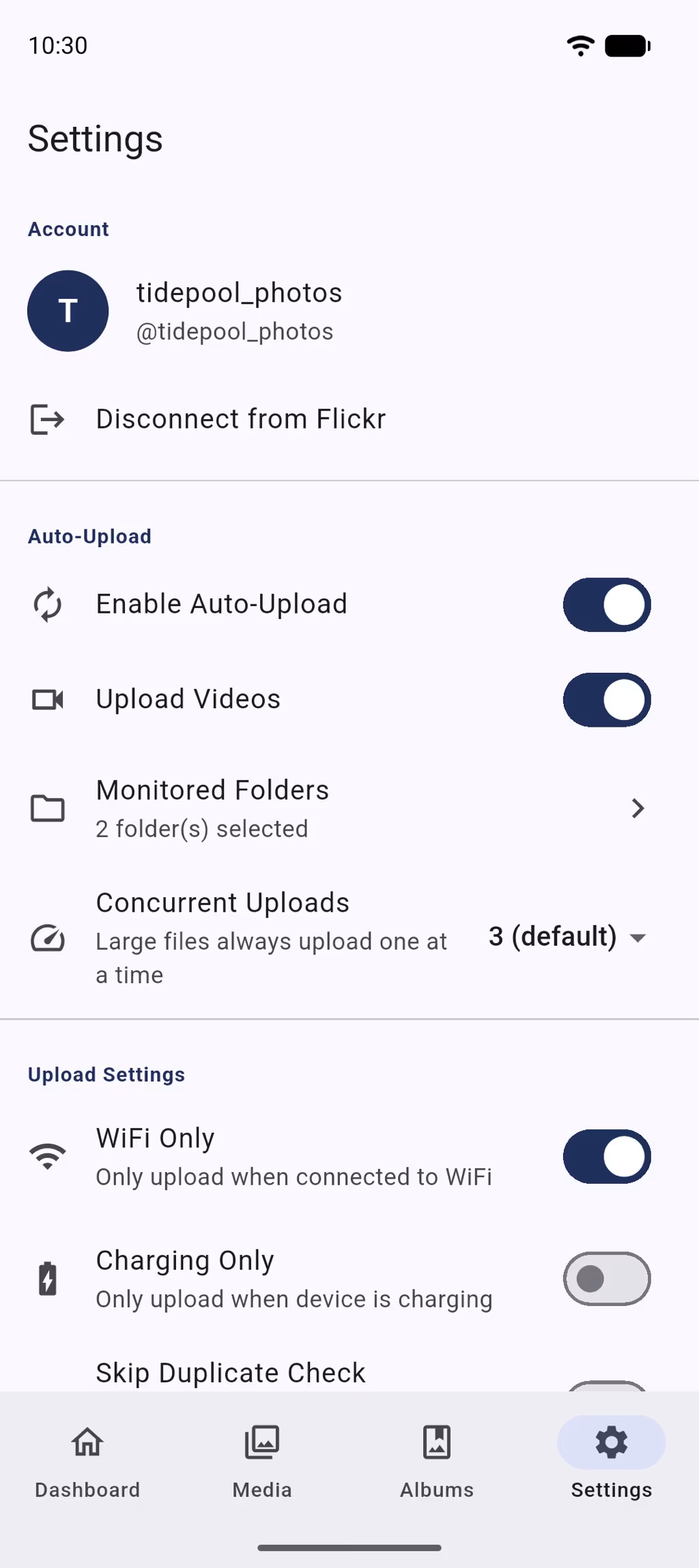
Wi-Fi only is on from the start; add charging only if you like. New shots upload in the background, even with the app closed.
Features
Everything a Flickr camera-roll backup should do
Watches your folders in real time
New photos and videos are spotted the moment they’re saved and queued for upload.
Keeps going in the background
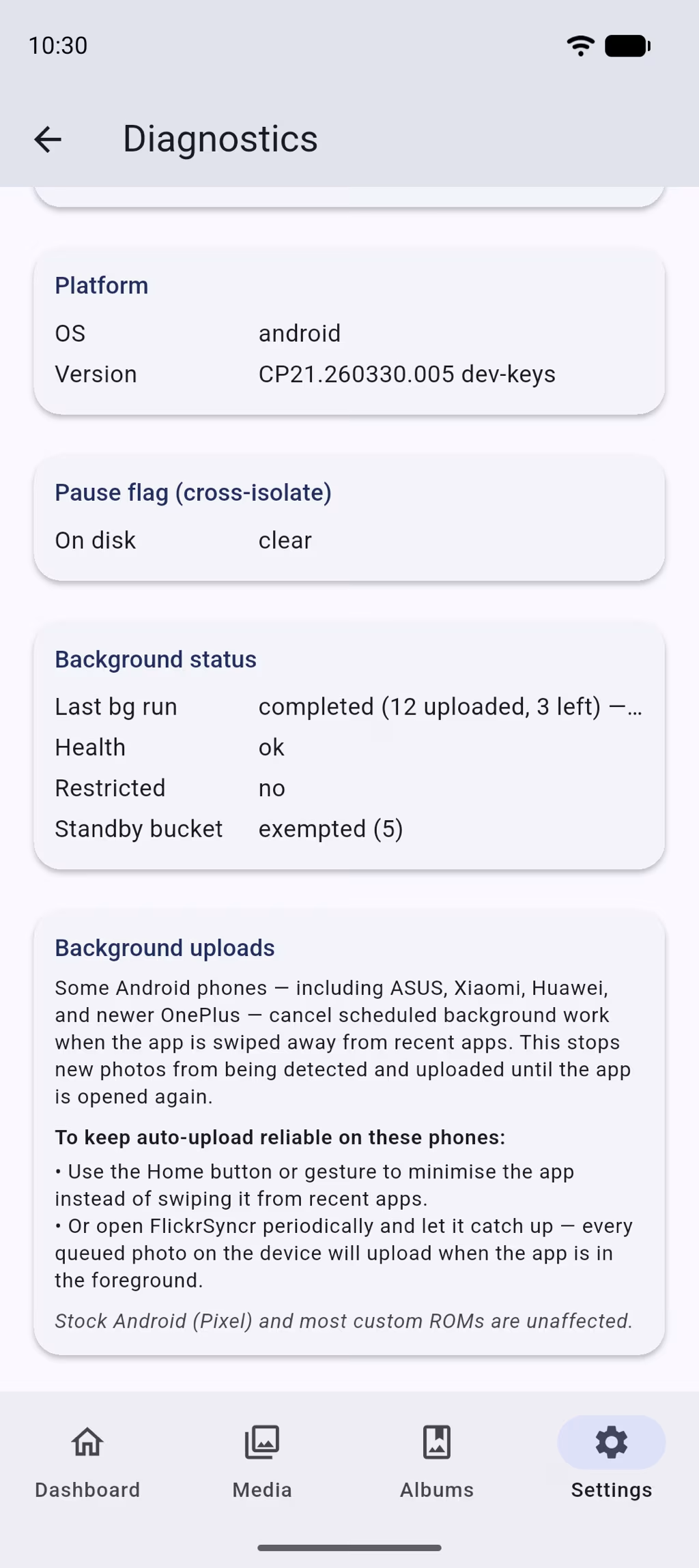
Swiping the app away doesn’t stop the queue, and monitoring comes back by itself after a reboot.
Never uploads the same photo twice
Each upload carries a content fingerprint, so renamed files and fresh installs are recognised.
Uploads on your terms
Wi-Fi only (Ethernet counts too), charging only, and one to three uploads at a time. Waiting uploads resume as soon as you plug in or join Wi-Fi.
Private by default
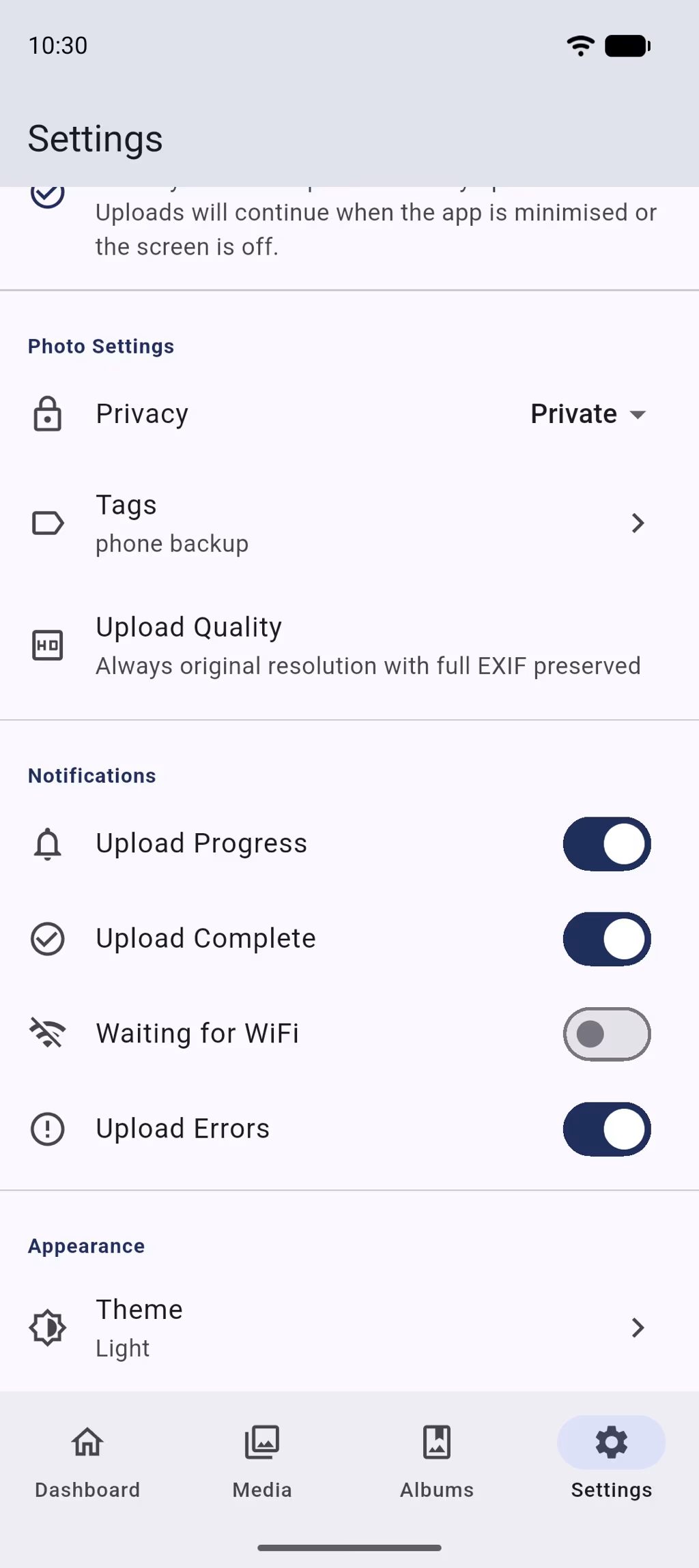
Choose Private, Friends & Family or Public, add default tags, and send everything to the album you pick.
Notifications that say something
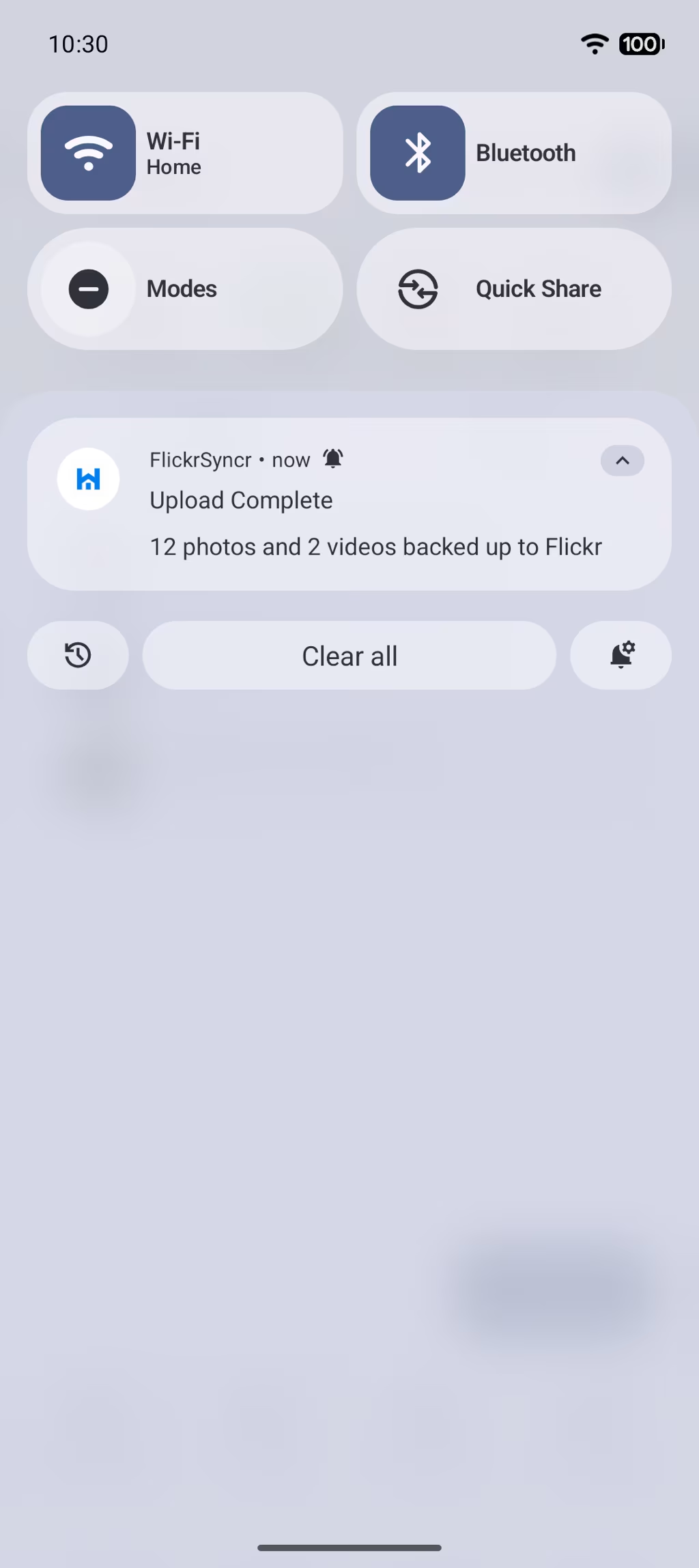
“14 photos backed up to Flickr”, which file failed and why, and Pause or Stop right from the notification.
Also in the app
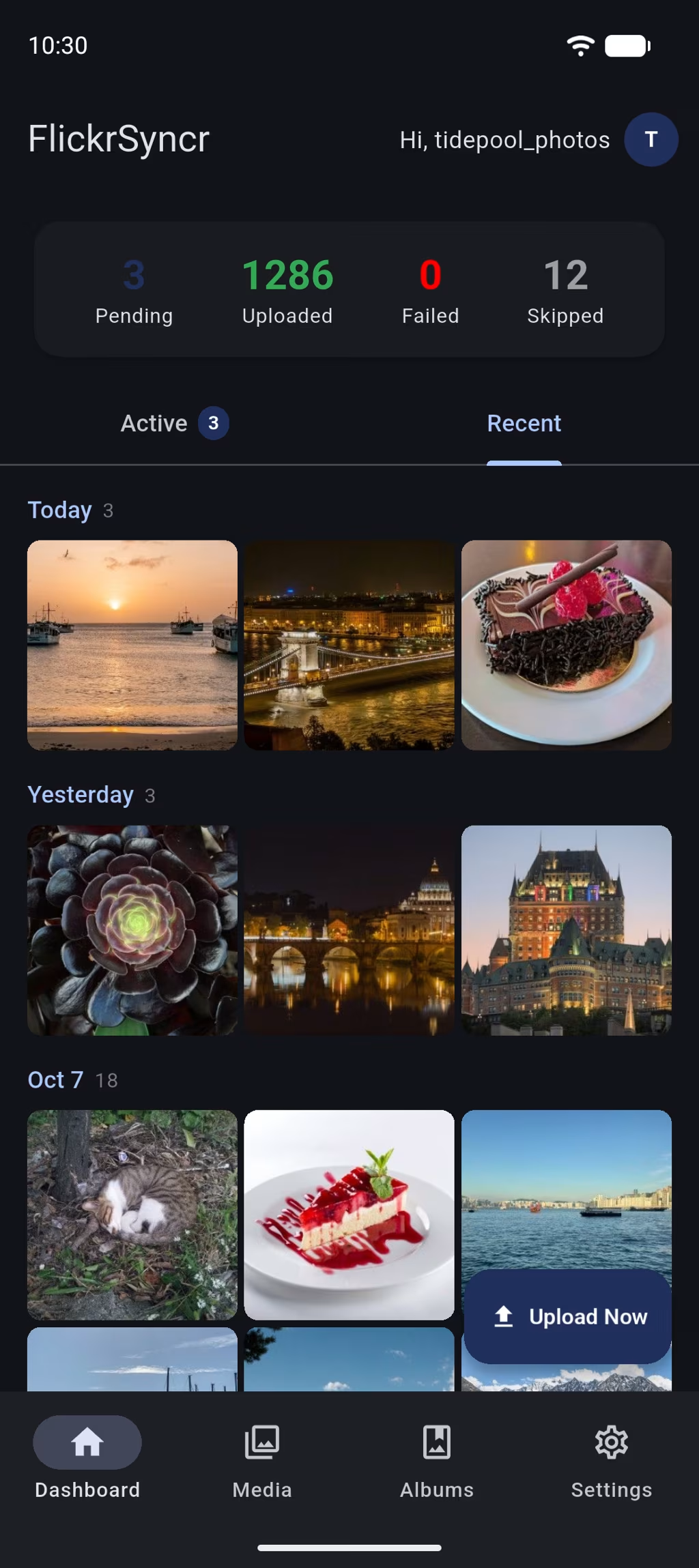
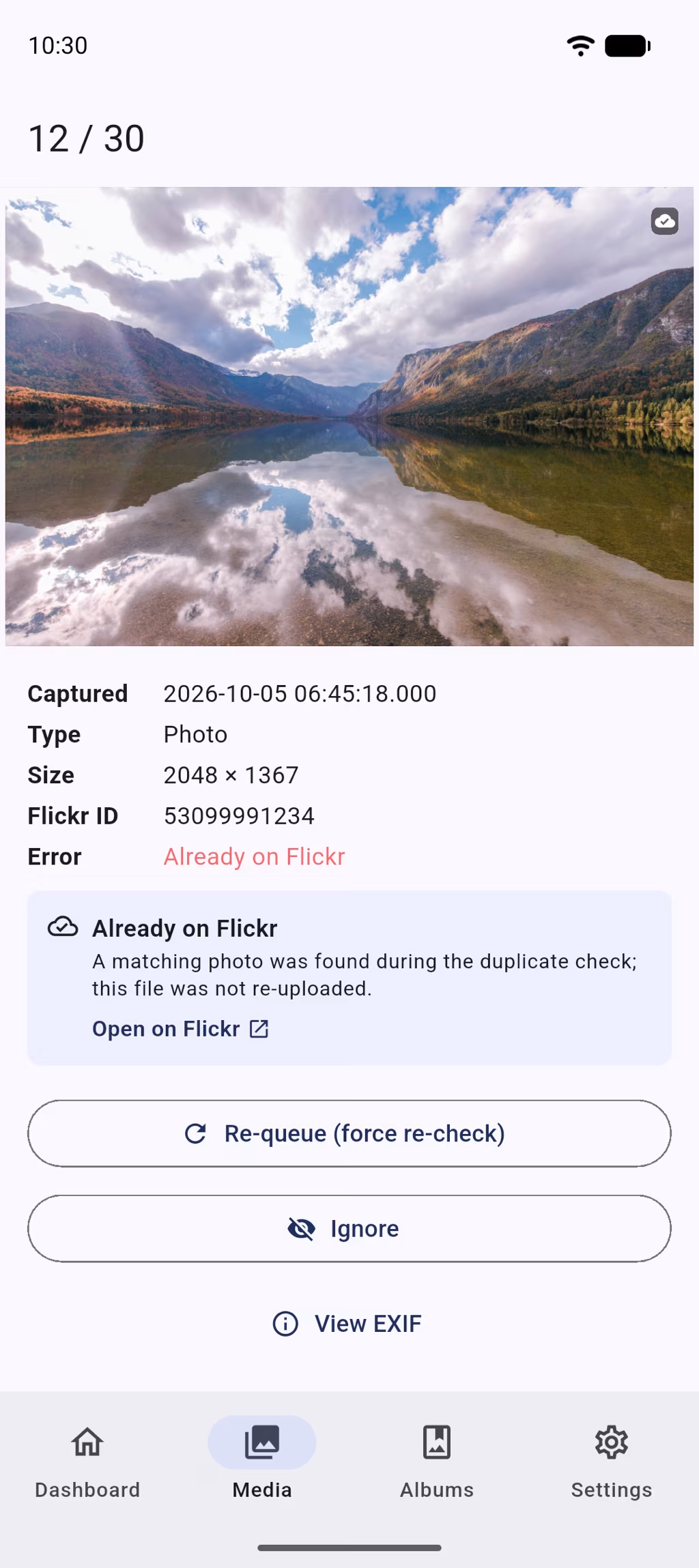
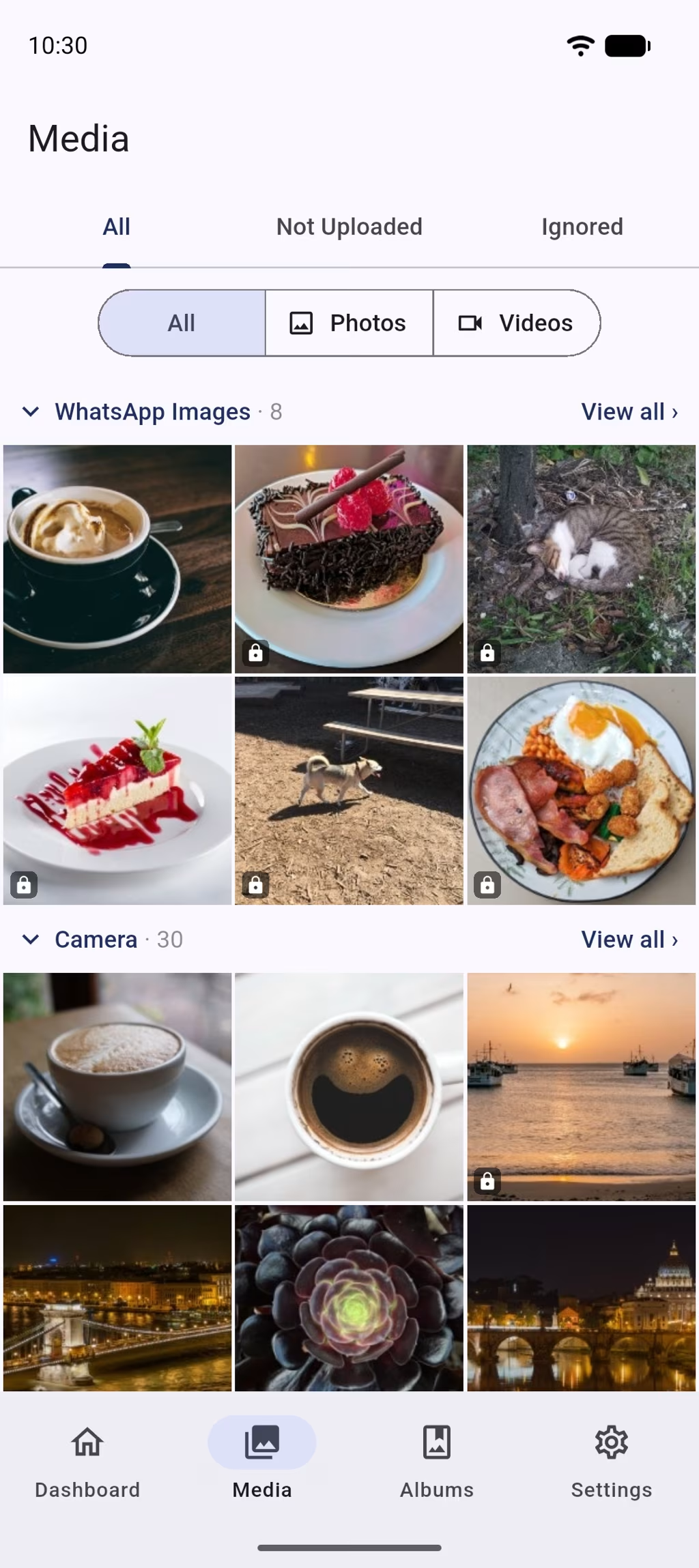
- Media browser with upload status and filters
- Swipe through your recent uploads
- Pinch-to-zoom viewer and inline video playback
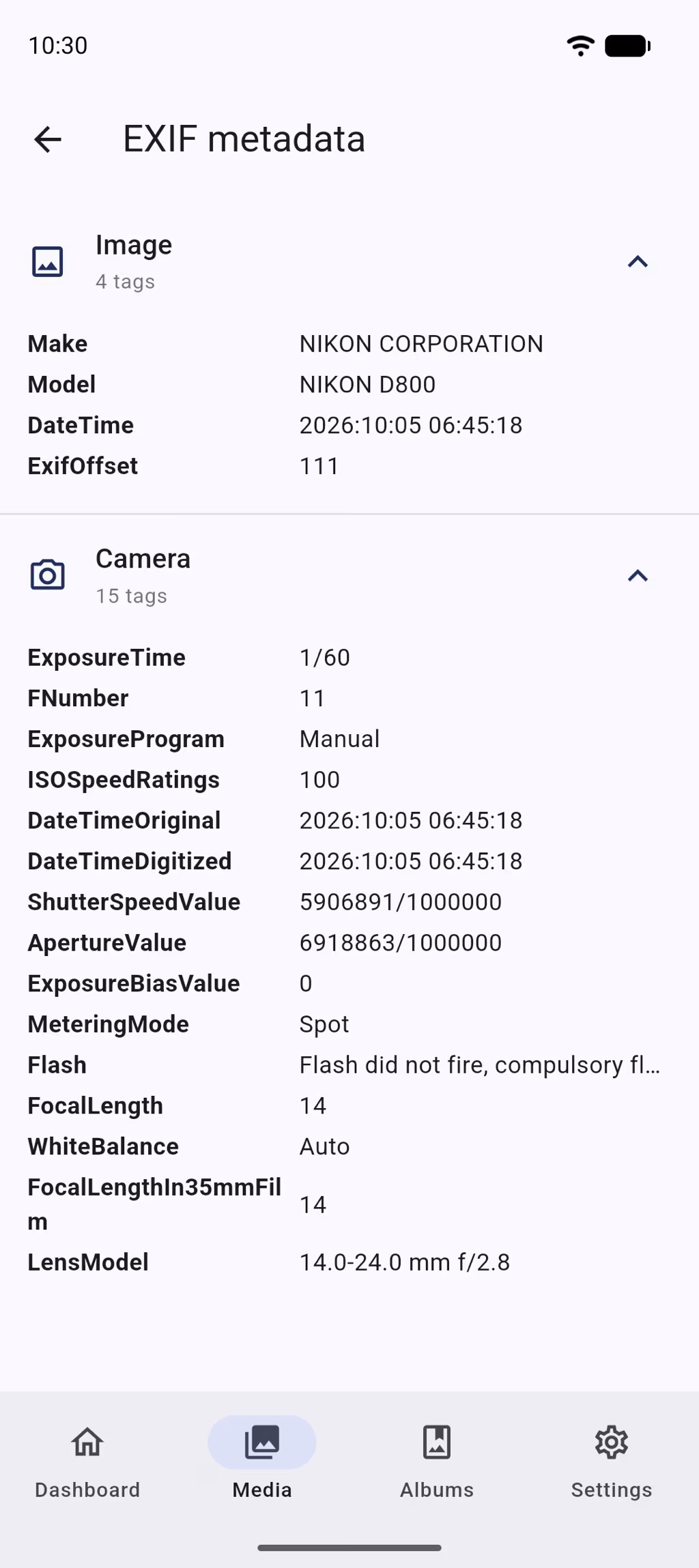
- EXIF viewer, grouped by category
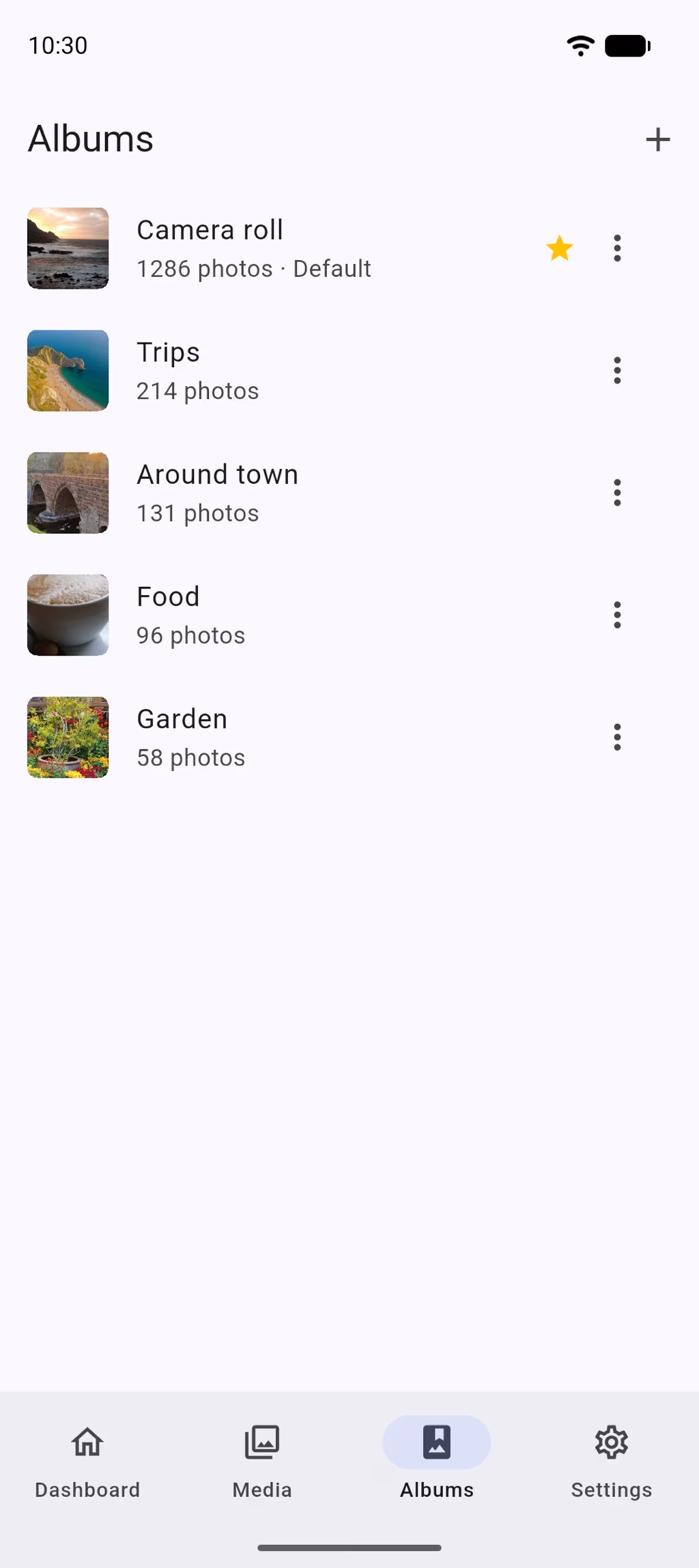
- Browse your Flickr albums
- Light and dark mode
- Diagnostics and background status
- Ignore items you never want backed up
Screenshots
Take a look inside FlickrSyncr
Why Flickr
Flickr keeps your photos. FlickrSyncr gets them there.
Flickr Pro stores your photos and videos at full resolution with no storage limit. FlickrSyncr makes sure every new shot actually ends up there, without you uploading anything by hand.
It’s a backup, not a sync: deleting a photo on your phone never deletes it from Flickr.
Privacy
Your photos go to Flickr, and nowhere else
FlickrSyncr has no servers of its own. Uploads travel from your phone straight to Flickr over HTTPS.
- Flickr’s own sign-in. FlickrSyncr never sees or stores your Flickr password.
- Keys stay on your phone. Login tokens are stored encrypted on the device and left out of cloud backups and phone-to-phone transfers.
- HTTPS only. The app refuses unencrypted connections.
- Disconnect means gone. Signing out wipes your upload history, folder choices and cached thumbnails from the phone.
FAQ
FlickrSyncr questions, answered
Yes. There’s no subscription, pro tier or in-app purchase. If you’d like to support development, you can buy me a coffee.
For a full camera-roll backup, yes. A free Flickr account holds 1,000 photos and videos in total, and only 50 of them can be private or friends-and-family; Flickr can suspend accounts that go over. FlickrSyncr uploads privately by default, so a free account reaches that limit quickly. Flickr Pro removes both limits.
No. Android decides when the app runs, and FlickrSyncr only shows a notification while it’s actually uploading. Uploads wait for Wi-Fi by default, and you can make them wait for the charger too.
Nothing happens on Flickr. FlickrSyncr is a one-way backup, so deleting something on your phone never deletes it from Flickr.
No. Each upload carries a content fingerprint as a Flickr machine tag, so a fresh install checks Flickr first and skips anything that’s already there, even if it came from another phone.
Yes, photos and videos alike. Flickr accepts videos up to 1 GB and photos up to 200 MB; anything larger isn’t uploaded, and the notification names the file.
Any you choose: Camera, Screenshots, WhatsApp, Downloads or a custom folder path. You can change the selection at any time in Settings.
Yes. The upload notification has Pause and Stop buttons that work even when the app is closed, and you can resume from the same notification or from the dashboard.
Some phones, such as Xiaomi, Huawei and OnePlus models, restrict apps running in the background. FlickrSyncr shows a warning on the dashboard with a shortcut to the setting that fixes it, and setup walks you through allowing Autostart.
It’s in development. Android comes first; the iPhone app will follow.
Post in the FlickrSyncr Google Group or use the contact form. Settings → About → Diagnostics has a Copy diagnostics button that helps us see what’s going on.
Get started
Put your camera roll on autopilot
Install FlickrSyncr, connect Flickr, and every new photo is backed up from then on.

- Free
- Android 7.0 and later
- iPhone version in development