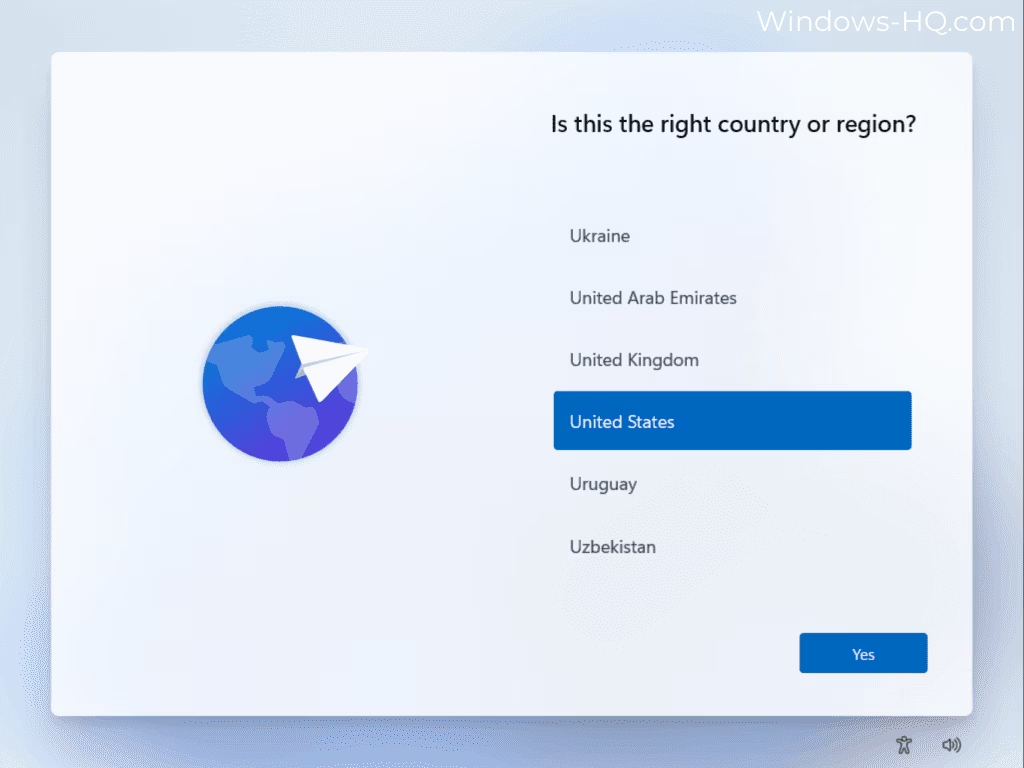
Setting up a new Windows 11 PC currently tests users’ patience, with the Out-of-Box Experience (OOBE) taking anywhere from 45 minutes to over an hour to reach the desktop due to mandatory updates and configurations.
Microsoft is aware of the situation and recently announced a commitment to Windows quality. The company promised that the setup process will become quieter and more streamlined, featuring fewer pages and reboots to help users access the desktop faster.
A major factor in the lengthy setup is the automatic checking, downloading, and installing of Windows updates. Depending on how long a device has been on the shelf, the system may even loop back to check for and install secondary updates. During one recorded test, the update phase alone took over 50 minutes, though an easily missed “Update later” button did briefly appear.
To address this, Microsoft plans to introduce the ability to skip updates during device setup. This feature is scheduled to roll out to Windows Insiders in April and is expected to considerably reduce the overall time required for the OOBE process.
Improving this experience is increasingly important as a new wave of Windows 11 laptops featuring Intel’s Panther Lake and the Snapdragon X2 series is set to launch soon.
Aside from updates, the current OOBE presents several other hurdles. While users can now favorably change the name of their default User folder rather than settling for the first five letters of their email address, they are also met with mandatory Microsoft Account (MSA) sign-ins.
Unlike macOS, iOS, and Android, Windows 11 currently prevents users from completing the initial setup without signing into an account. However, Scott Hanselman, a Microsoft VP and Member of Technical Staff, recently noted on the X platform that the company is working on removing this compulsory MSA requirement.
Following the sign-in phase, users are presented with a privacy settings page where all options are enabled by default. These toggles include Location, Find my device, Diagnostic data, Inking and typing, Tailored experiences, and Advertising ID.
The setup also heavily pushes users toward using previous backups instead of starting fresh. Users must navigate through an obscure “More options” menu and click past three separate pages to successfully confirm the “Setup as a new PC” option.
Furthermore, the process asks users about their intended PC usage patterns to serve customized advertisements, incorporating upsells directly into the setup.
Because Windows operates within an ecosystem of various OEMs, component makers, and software partners, it faces a structural disadvantage compared to Apple’s tightly controlled hardware and software ecosystem. Despite these ecosystem challenges, Microsoft’s upcoming changes aim to refine the initial user experience and foster stronger brand loyalty.