YouTube for Android is rolling out support for Android Auto, bringing new background play controls to the platform. Through recent updates, this functionality has become widely available to users.
The rollout spans across multiple devices, accounts, and app versions. It is currently accessible in both the beta and stable tracks of the application, with users on Reddit also reporting the update.
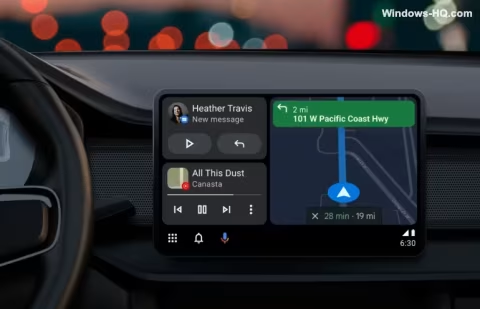
While Android Auto consistently pipes through whatever audio is playing on a connected phone, it does not always provide additional on-screen controls. Over the past few months, more applications have begun showing functionality through Android Auto’s media controls, with YouTube now joining the list.
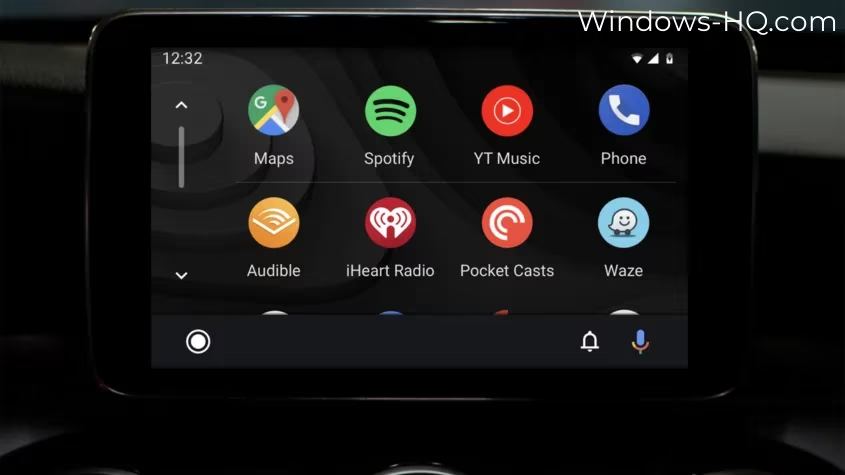
The integration, however, is limited and does not function as a standalone YouTube application for Android Auto. Users cannot play videos on the vehicle’s display, nor can they view a full screen of media controls.
Instead, YouTube appears solely within the dashboard media widget. From this widget, users have the ability to play and pause their currently streaming content.
Users can also skip forward to the next video using the on-screen widget. This action performs a full video skip to the next track rather than fast-forwarding within the currently playing video.
Testing reveals that the same full video skip action applies when utilizing the vehicle’s steering wheel controls.
This audio-only integration is designed to accommodate listening to podcasts, clips, and full YouTube videos while driving.
Although this limited integration is not the complete release many users have anticipated, Google has indicated that a full version is not off the table.
Utilizing these new Android Auto controls requires an active YouTube Premium subscription, as the background play functionality essential for this feature is unavailable without it.
As of February 2026, background play is included in the Premium Lite plan. This tier is offered at $7.99 per month, providing an alternative option to access the new Android Auto controls.