Microsoft has released new storage enhancements in the latest Windows 11 Insider builds, including Dev build 26300.8170 and Beta build 26220.8165. These updates bring improvements targeting faster storage settings, a better overall user experience, and the elimination of an artificial, decades-old limitation affecting system functionality.
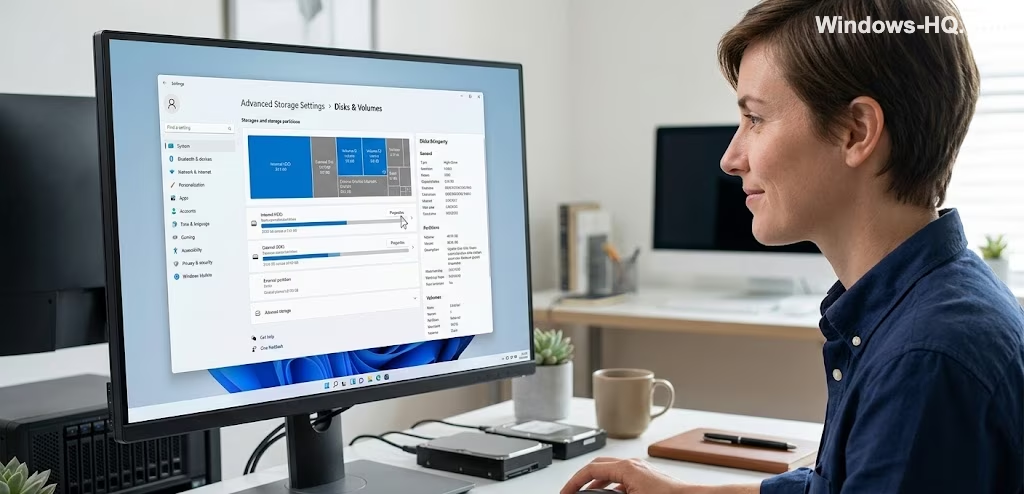
One of the core updates improves the performance of the Storage settings area. Specifically, navigating to System > Storage > Advanced Storage Settings > Disks & Volumes, where users check drive properties and partitions, now operates faster. Historically, opening disk properties on large drives, especially on systems with multiple or high-capacity volumes, could be significantly slow, sometimes taking around 15 seconds to load. This delay is now nearly eliminated in the new Insider builds.
Beyond general speed enhancements, the update modifies how the Storage page handles permissions. The User Account Control (UAC) prompt no longer appears immediately upon access and will only appear when a user accesses temporary files.
Another notable change addresses a long-standing limitation regarding FAT32 formatting. Windows now allows formatting FAT32 drives up to 2TB through the command line. This change bypasses the outdated 32GB limit that existed for decades, despite the filesystem supporting much larger internal volumes.
In addition to these improvements, the article notes that opening disk properties on large drives has historically been an unusually slow process. Although the Windows Disk Management tool, while looking decades old, remains functional, the improvements in the Settings app’s performance are considered a major upgrade for users with large volumes.
These storage improvements are available in the current Windows 11 Insider builds (Dev 26300.8170 and Beta 26220.8165). While Microsoft has not provided a timeline for a stable public rollout, such changes typically reach regular users within weeks or a few months.