Microsoft’s PowerToys development team has released new features in the latest v0.99 update, introducing tools like Grab And Move and Power Display to Windows 11. These tools aim to enhance system functionality by adding features previously common in Linux desktop environments.
One notable addition is Grab And Move, which allows users to move and resize windows from any part of the window, eliminating the need to locate the title bar or window edges. This feature is described as being second nature to long-time Linux users and may solve potential points of frustration for Windows users.
To use Grab And Move, users can press Alt and drag anywhere on the window to move it. For resizing, the process involves right-clicking and dragging the window while keeping the Alt key pressed. The utility allows customization, including changing the Activation modifier key from Alt to the Windows key, which is the default in Linux.
In the settings, users can exclude specific applications from the feature’s operation. While a warning notes the feature might not work reliably with some touchpads, testing showed that both mice and touchpads functioned correctly on one PC.
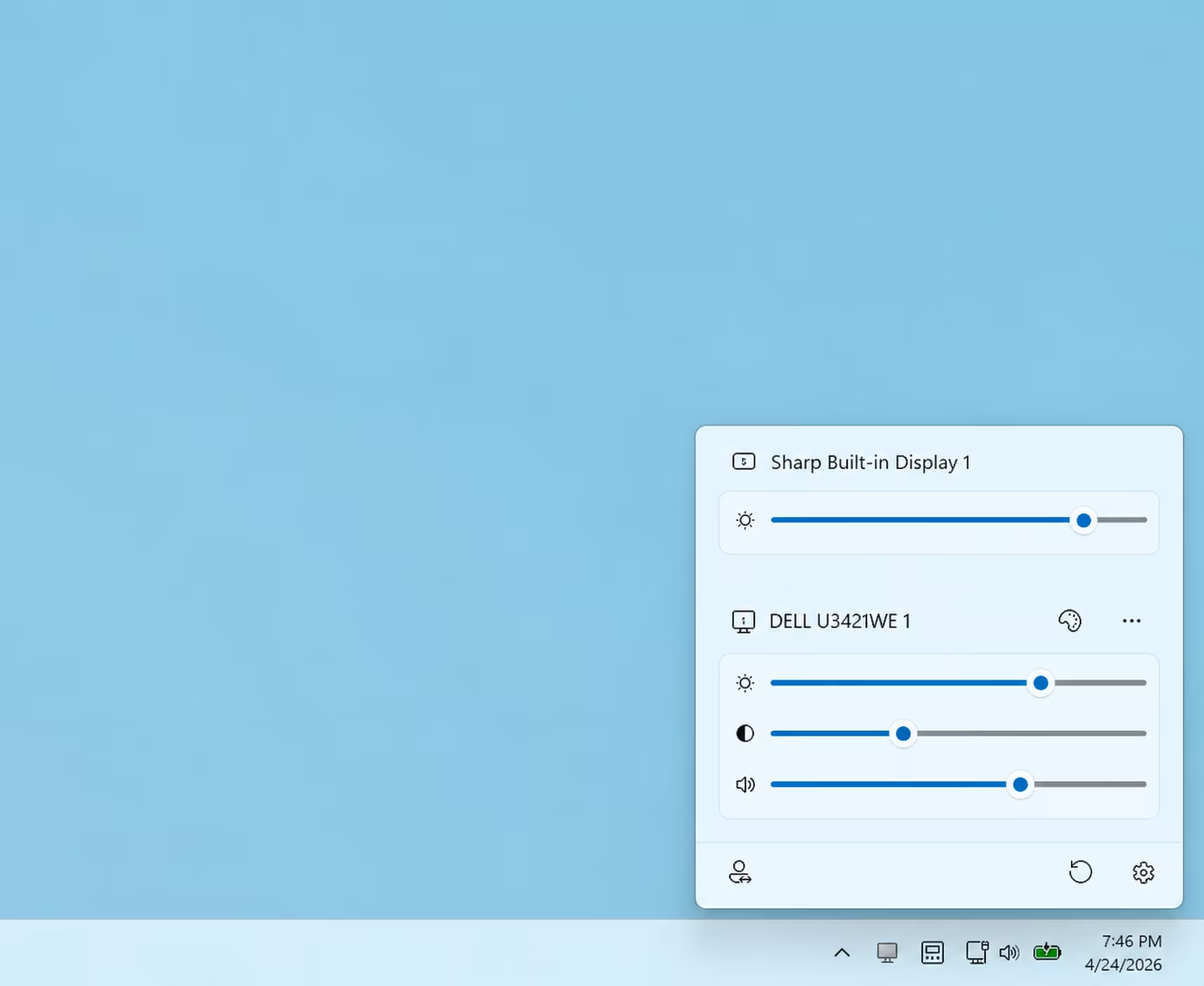
Another major update is Power Display. This feature provides a single interface within the system tray to control various monitor settings. Users can adjust parameters such as brightness, contrast, volume, rotation, color temperature, and power state without needing to physically interact with monitor controls.
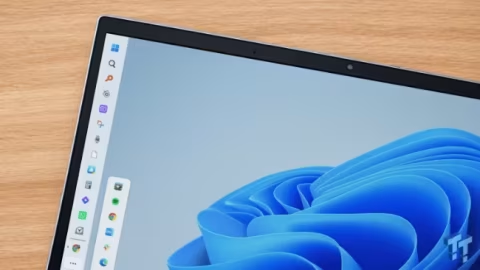
Furthermore, PowerToys introduced improvements to the Command Palette Dock. While previously a fan-favorite, it now features an update that allows users to activate a compact mode, significantly reducing its size and offering more screen real estate.