Microsoft Teams is undergoing a significant period of updates and feature releases expected through the summer months of 2026.
The company quietly updated its messaging platform over recent days with details covering several changes. These improvements include standardized previews for Microsoft Word, Excel, and PowerPoint documents, alongside new keyboard shortcut search functionality.
A major area of focus is Private Channels, which are nearing full support for integrated applications. This capability allows users to add bots, message extensions, and tabs on a per-channel basis. Following initial rollout in January 2026, full availability for these features is expected by the end of July.
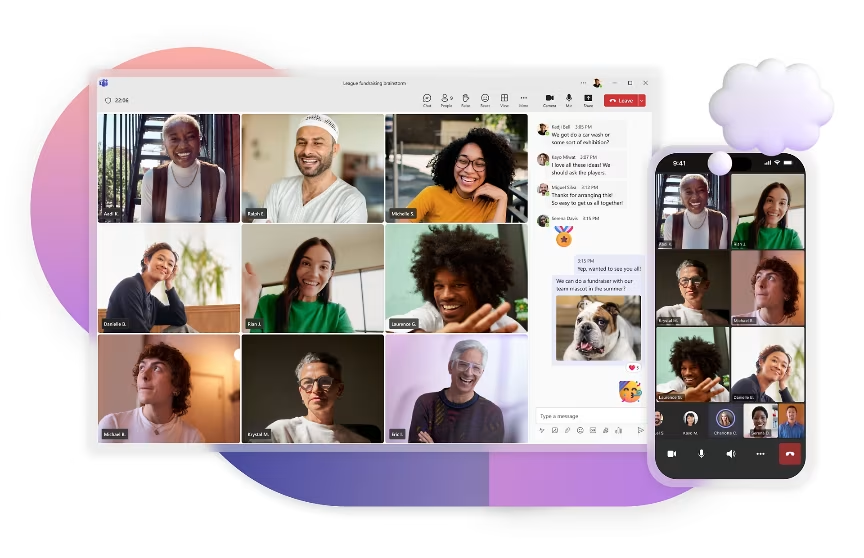
Teams events are receiving an updated Speaker-focused sharing layout. This design shifts emphasis toward the presenter’s video feed and shared content, rather than displaying all participants equally. Attendees can configure this setting using the “Manage what attendees see” event settings.
File sharing functionality is being enhanced with a new cloud-search option built directly into the attach button. This feature allows users to browse an entire tenant’s SharePoint or retrieve recently shared cloud files without leaving the chat window.
A convenient Quick Share option has been added, enabling users to instantly copy a shareable link by hovering over or right-clicking an image within a chat or channel. Crucially, this function retains existing view permissions and is already enabled by default, with full rollout anticipated by the end of July.
Beyond these core improvements, other refinements include a refreshed download manager. This update allows file alerts to dismiss automatically after four seconds of inactivity and introduces an option for easily locating downloaded files, mimicking File Explorer’s approach.
Users will also benefit from improved keyboard shortcut customization. The interface now offers a friendlier experience where typing keywords like “mute” surfaces the required specific shortcut, eliminating the need to navigate lengthy lists.
Finally, Office file previews displayed within Teams have been optimized for speed and reduced RAM usage, an enhancement noted particularly on Windows 11 devices.
In addition to these seven main changes, Teams is also separately deploying several complementary features. These include an AI meeting facilitator designed for physical meetings, a toggle switch allowing users to fully disable all AI functions—such as Copilot, Facilitator, and Recap—mid-meeting, and a new Efficiency mode intended to reduce overall RAM consumption on Windows PCs.