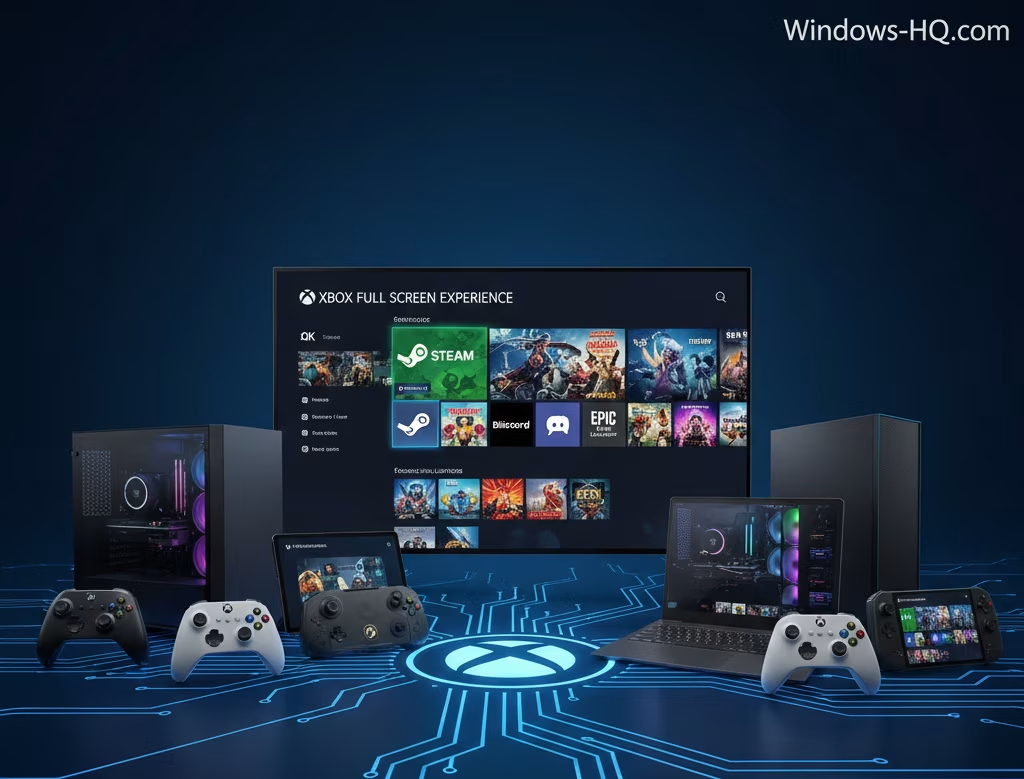
Microsoft is significantly expanding the availability of its Xbox Full Screen Experience (FSE), a feature designed to bring a console-like user interface to PC gaming when navigating a game library with a controller. Previously, this feature was exclusive to PC handheld devices, such as the Xbox Ally and Xbox Ally X.
The expansion will now cover a much broader range of hardware, including traditional laptops, desktop computers, and tablets running Windows. This move aims to streamline the gaming experience for all users who prefer to navigate their game collection using a gamepad.
Access to the FSE is being rolled out immediately to users who are part of the Windows Insider Program (on the Dev and Beta channels) and members of the Xbox Insider Program. This staged release allows Microsoft to gather feedback and gradually stabilize the feature before a general public release.
Users who are eligible for the preview can activate the Full Screen Experience in several ways: by hovering over the Task View icon on the taskbar and selecting the option, accessing it via the Game Bar’s Settings, or using the keyboard shortcut Win + F11 to toggle the feature on and off.
It is important to note that the feature is being “gradually rolling out” even within the Windows Insider builds, meaning not all eligible users will receive access right away. Additionally, the FSE requires users to have the Xbox app installed from the Microsoft Store to function properly.
In a related update, Microsoft also confirmed that as of Friday, the Xbox Full Screen Experience has now been made available to all Windows-based handheld devices, ensuring a unified console-like experience across this specific hardware category.