Apple has released the first beta of iOS 26.2, signaling a set of user-focused and regionally compliant updates ahead of an expected public release in December. The beta primarily introduces new customization options, enhanced utility for core apps, and an expansion of accessibility features.
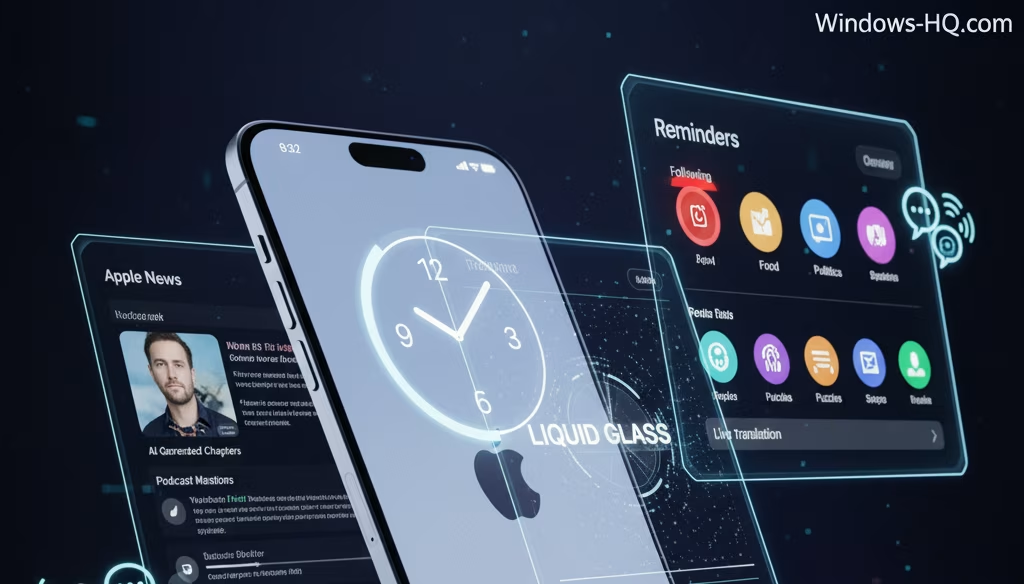
A notable visual update is the ability to customize the Liquid Glass appearance of the iPhone’s Lock Screen clock. Users can now utilize a new slider to adjust the opacity, choosing between a nearly fully transparent look or a more frosted effect, while retaining the option to disable the Liquid Glass effect entirely.
Significantly, the Reminders app gains a highly requested utility upgrade with the ability to set genuine alarms. By choosing a specific time for a reminder and enabling the “Urgent” option, users can trigger an audible alarm, ensuring they do not miss crucial time-sensitive tasks.
The update also fulfills a regulatory requirement in Europe by expanding live translation on AirPods to users in the EU. This feature, which allows Siri to provide real-time translations of spoken language through the AirPods, was initially limited to other regions as Apple took time to ensure compliance with the EU’s Digital Markets Act.
The Apple News app is receiving a navigation overhaul, featuring a new “Following” tab at the bottom of the screen. This section consolidates favorites, saved stories, and history, complemented by new quick-access buttons for popular topics like Food, Politics, Puzzles, and Sports.
Meanwhile, Apple Podcasts is being enhanced with AI-driven features, including AI-generated chapters for episodes. It also introduces a “Podcast Mentions” function, which automatically detects when a host references another show and places a direct link to that referenced show in the episode description.
Further expanding functionality, Apple Music now supports offline lyric viewing, allowing subscribers to view the lyrics of songs even when they are disconnected from both Wi-Fi and cellular networks, enhancing the experience for listeners on the go.
Rounding out the accessibility improvements, iOS 26.2 introduces a setting that allows the iPhone’s screen to flash when a notification is received. This feature, which can be enabled through the Accessibility settings, provides a visual alert for incoming notifications.