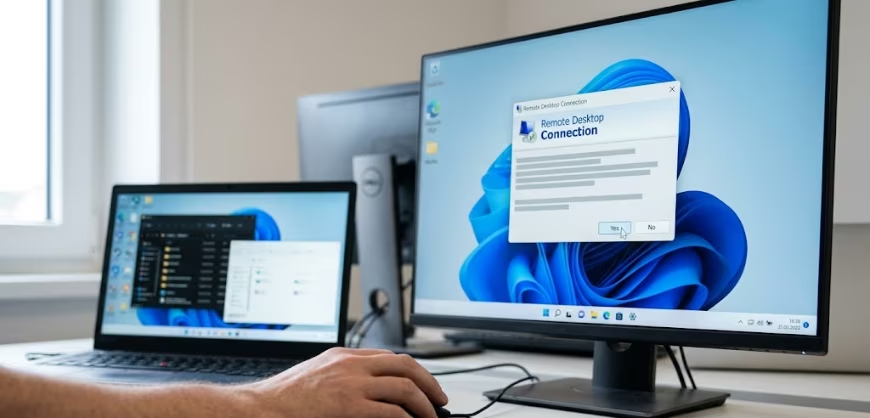
Microsoft has released an update to address a display issue with the Remote Desktop feature in Windows 11. The problem surfaced after the deployment of several security updates in April 2026. These updates, specifically KB5083769 and KB5082052, were intended to improve security and address vulnerabilities, including CVE-2026-26151, which related to exploited RDP files.
With KB5083769, Microsoft introduced additional protection mechanisms for Remote Desktop connections. However, this update caused a noticeable bug when users opened Remote Desktop (RDP) files.
The specific issue involves the security warning that appears upon opening RDP files. This warning may not display correctly in certain configurations. The bug becomes particularly apparent when users utilize multiple monitors that have different display scaling settings.
For example, a setup might have one display at 100% scaling and another set at 125% scaling. When this happens, the resulting warning window can exhibit overlapping text or partially hidden buttons. This poor display can make the security warning message difficult to read or interact with, despite the update’s security enhancements.
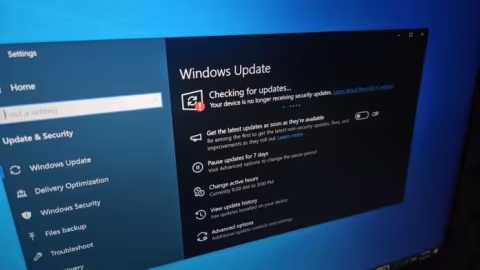
To resolve this problem, Microsoft has released an optional update, KB5083631, which is designed to fix the display bug. Users are advised that installing this optional update via Windows Update is the easiest method to resolve the issue before the next expected update in May. Microsoft confirmed that the problem with security warnings when opening RDP files was due to a bug that has been supposedly fixed in KB5083631.
In the meantime, the supporting texts also provided initial workarounds for affected users. Two temporary solutions mentioned include ensuring uniform display scaling across all connected monitors or utilizing keyboard navigation methods, specifically using the Tab and Spacebar keys, to interact with the warning warnings.